
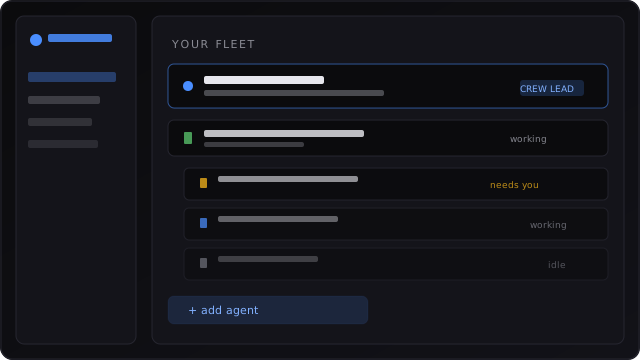
Your whole crew on one board
See every AI agent at a glance — working, waiting on you, or finished. Filter the noise; open the one that needs you. (Sessions list / fleet dashboard.)
Feature tour
Start with everyday language. Technical names (in parentheses) are for people who already live in this world — they are not the front door.
See every AI agent at a glance — working, waiting on you, or finished. Filter the noise; open the one that needs you. (Sessions list / fleet dashboard.)
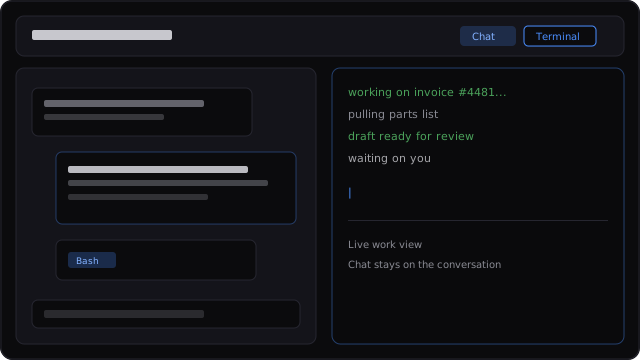
Read the chat-style history and the live work view together. Dig into a helper the main agent spun up when you need the full story. (Inspector — Chat + Terminal.)
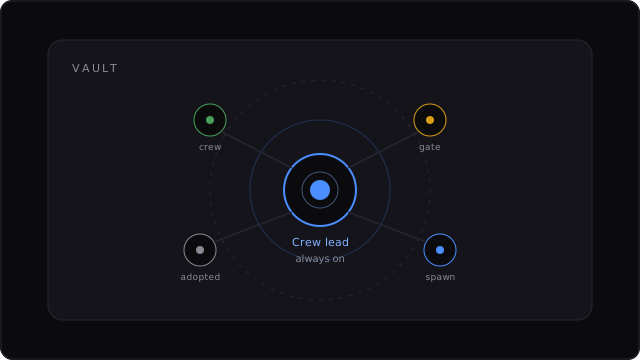
One assistant stays pinned — your coordinator while the rest of the fleet runs. You do not re-hire it every morning. (God Node / pinned resident.)
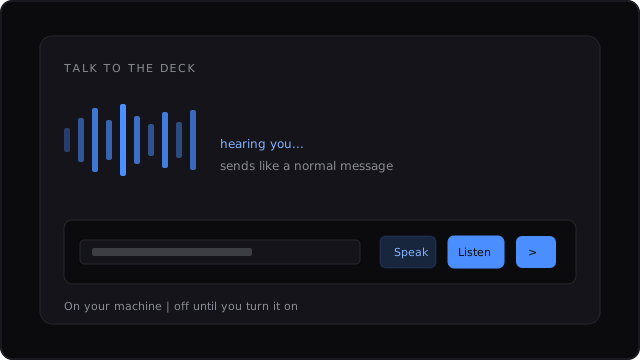
Talk and listen on your own machine when you want hands-free steering. Stays off until you choose it. (Local voice.)
Also on the deck
(Inbox / human-in-the-loop gates.)
(Vault destination — your folder on disk.)
(Settings.)
(Core library + local API sidecar.)
The vision is any business. The dogfood today is strongest on software-agent crews. That is a starting wedge — not a claim that every domain is polished yet.
Open the repository